Eyewear Sample Feedback: Using a Photo and Revision Log
October 16, 2026 · JUNLIAN
Comments such as “make it better” or “use the previous color” can be interpreted in different ways. A sample feedback log connects each observation to a product, image and requested action. It also separates changes that need another sample from details that are already approved.
Identify the Sample Before Commenting
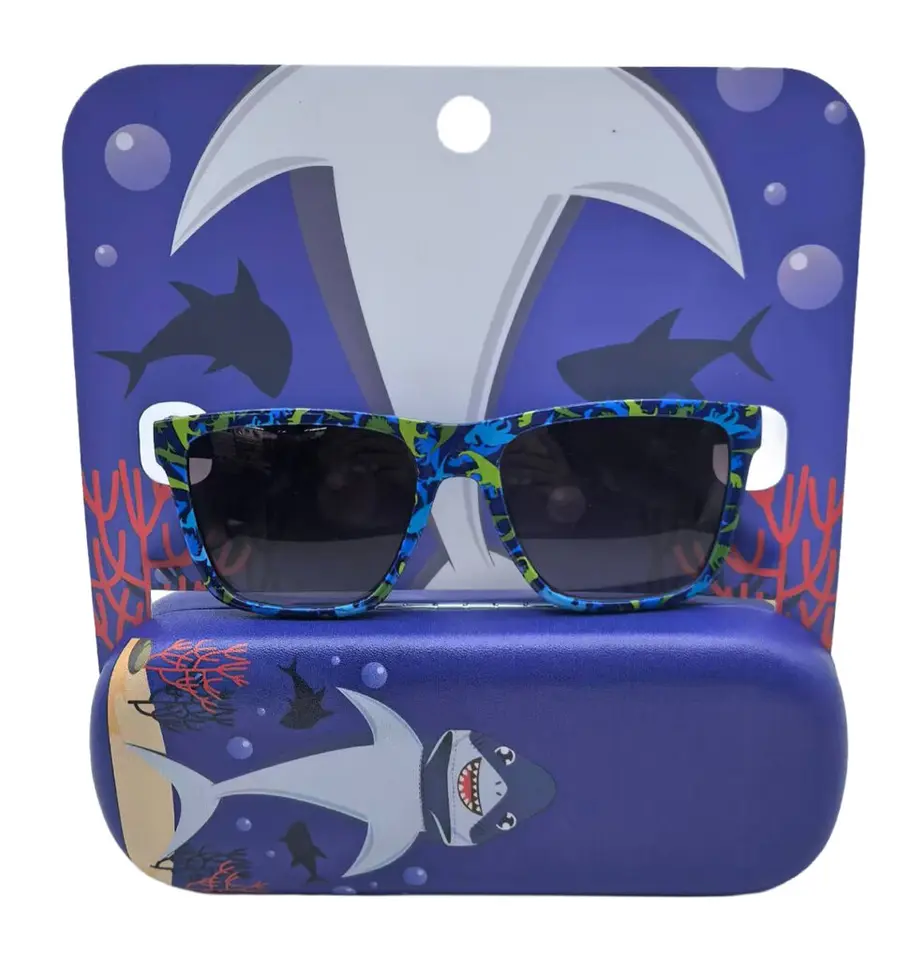
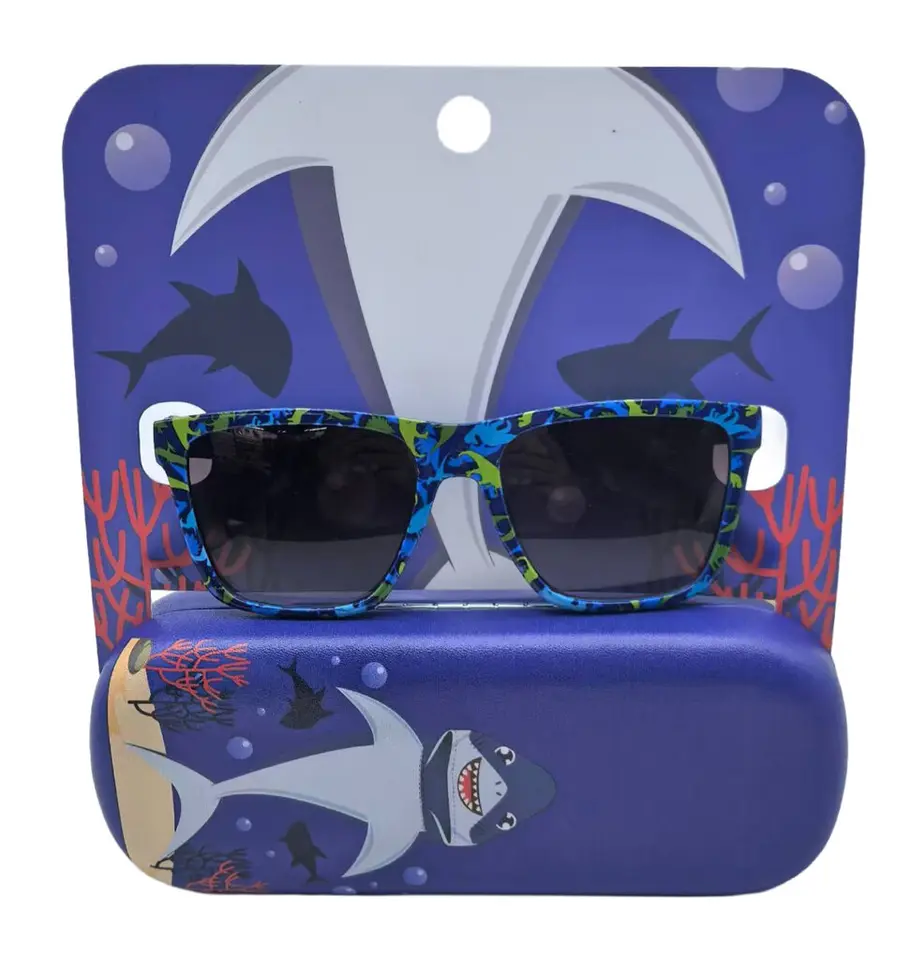
Record the product reference, sample revision, color and date received. If several similar samples arrive together, label them before photographing them. Keep the supplier’s sample label in the record so that your comments can be matched to the same physical item.
Use One Observation Per Line
Give each observation a short ID. Describe what you can see and the action you want discussed. Avoid combining a frame-color request, logo-position change and packaging correction in one sentence: they may involve different components and approval steps.
Attach a Relevant View
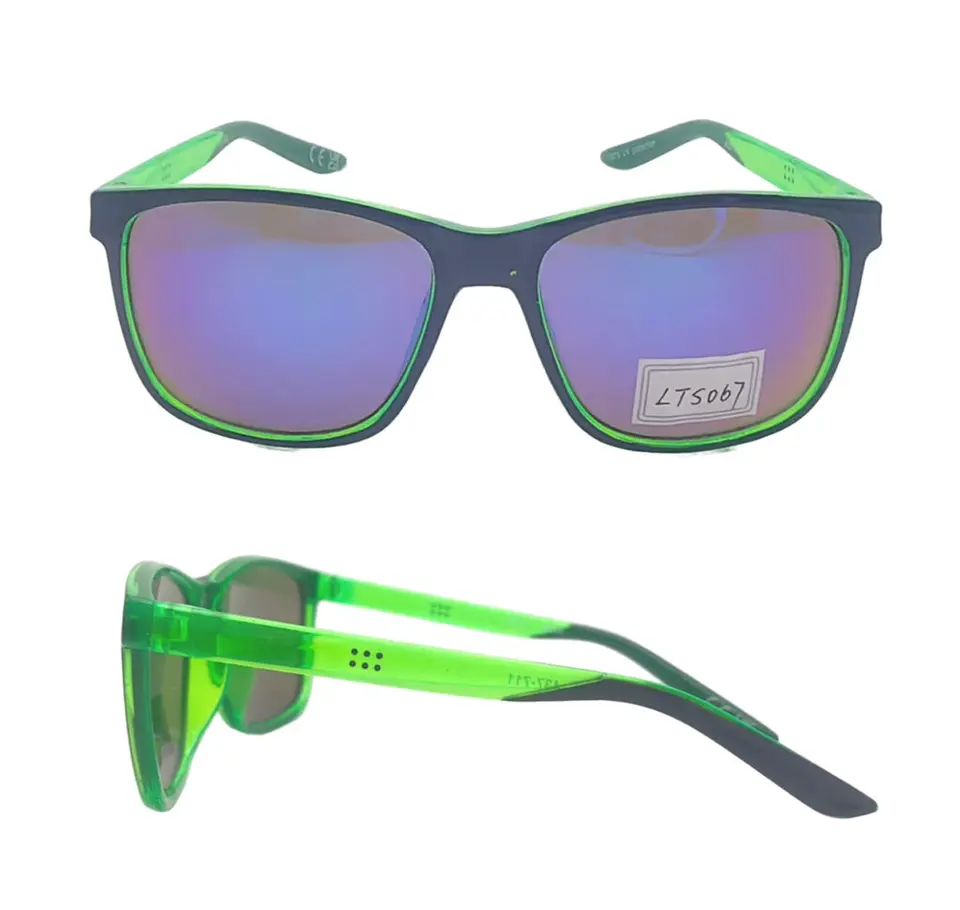
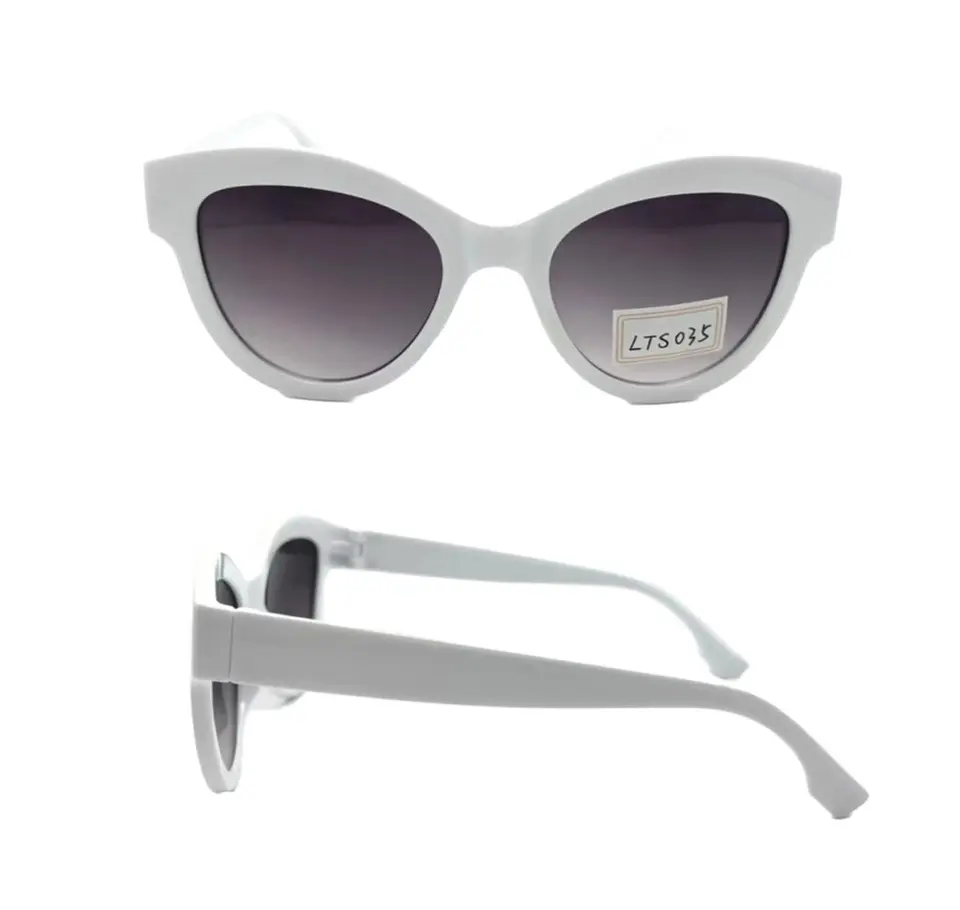
Use an overall image for context and a close-up for the specific point. Annotate the location without covering the detail. Screen photographs can communicate position, but they should not be treated as precise proof of physical color or material appearance.
Ask for a Response Against Each Item
A response column should distinguish accepted changes, questions and proposals that need your decision. Ask which sample revision will demonstrate the agreed change. A general reply that says “noted” is not a complete record of what will be changed.
Close the Loop Before Production
When the next sample arrives, review the open items against their IDs. Record accepted exceptions explicitly. Keep the final approval separate from the earlier discussion, and identify whether your approval covers the frame alone or the complete assembled set.
Buyer Planning Worksheet
| Item | Observation | Requested response |
|---|---|---|
| F01 | Logo position differs from marked image | Confirm revised placement proof |
| F02 | Case fit requires review | Confirm sample combination |
| F03 | Card copy is an earlier revision | Use approved file revision |
| Approval | Open items remain | Do not mark complete yet |
These are illustrative observations, not defects reported in JUNLIAN products. Use the log alongside the sample approval checklist and change-control guide.