Eyewear Reorders: Controlling Changes to an Approved Specification
October 15, 2026 · JUNLIAN
A repeat order is easier to manage when “same as last time” refers to a complete, identifiable record. The model code, specification, artwork, packaging and quantity allocation should all point to the version the buyer wants repeated. Begin by collecting those records before asking for a new quotation.
Identify the Approved Baseline
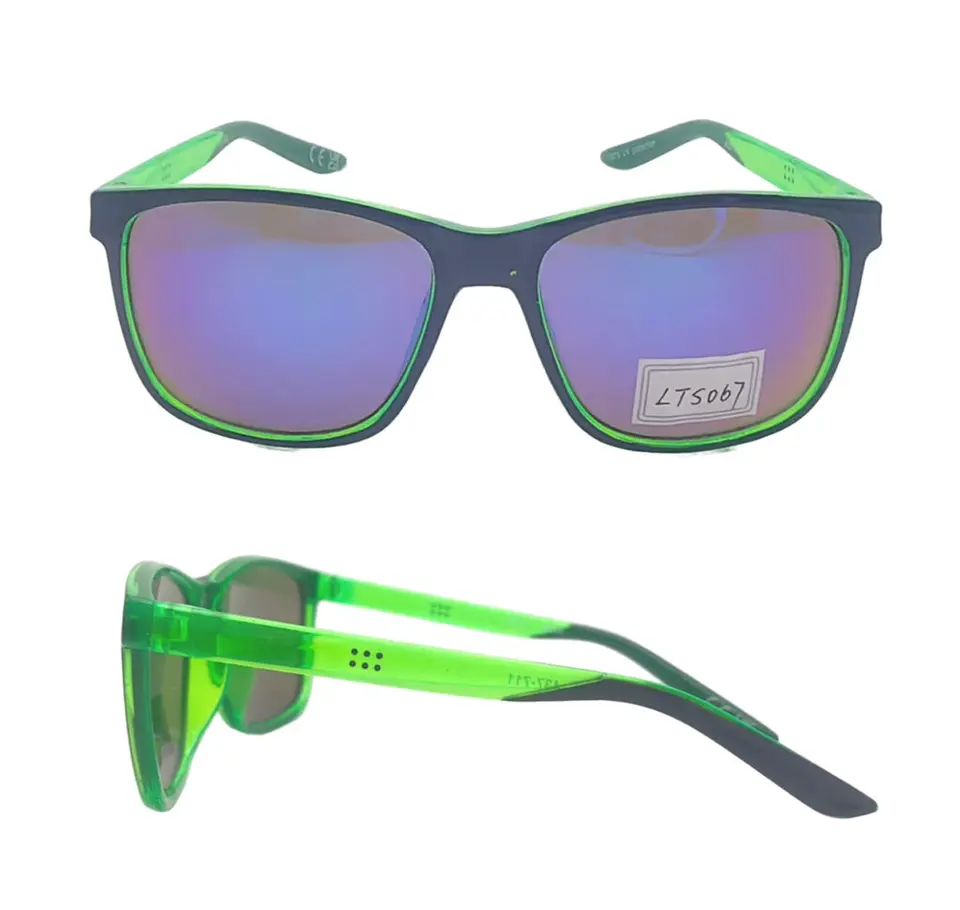
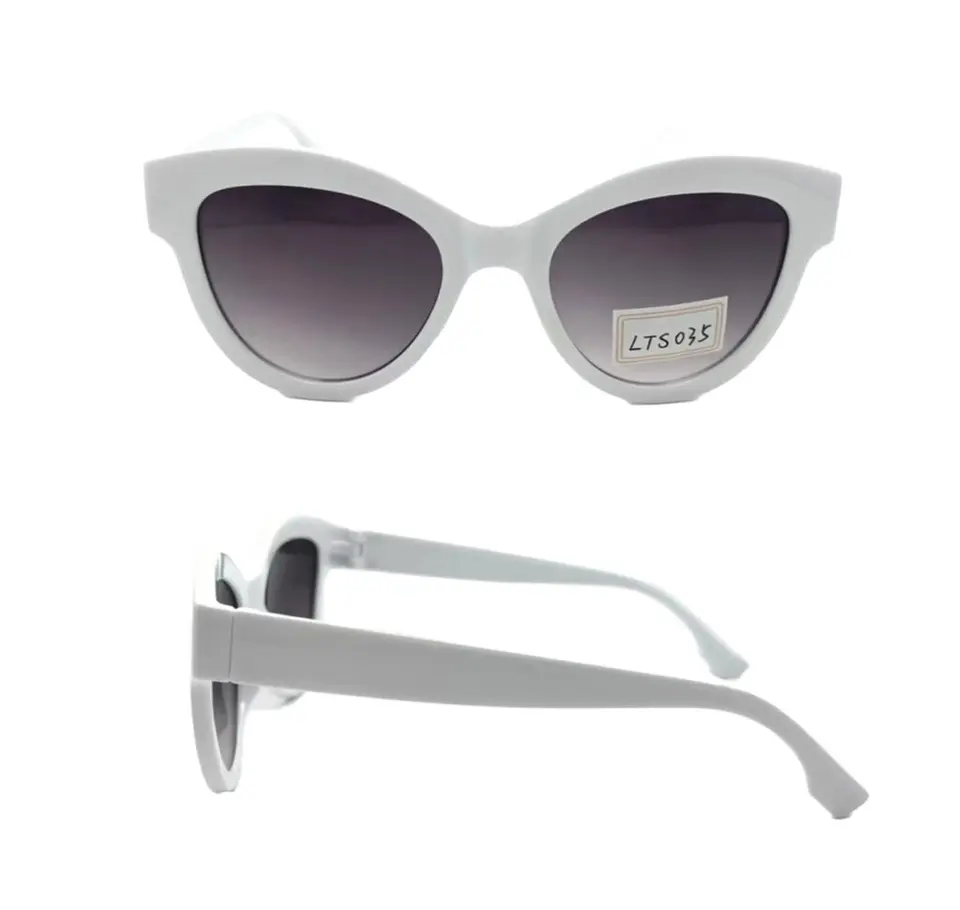
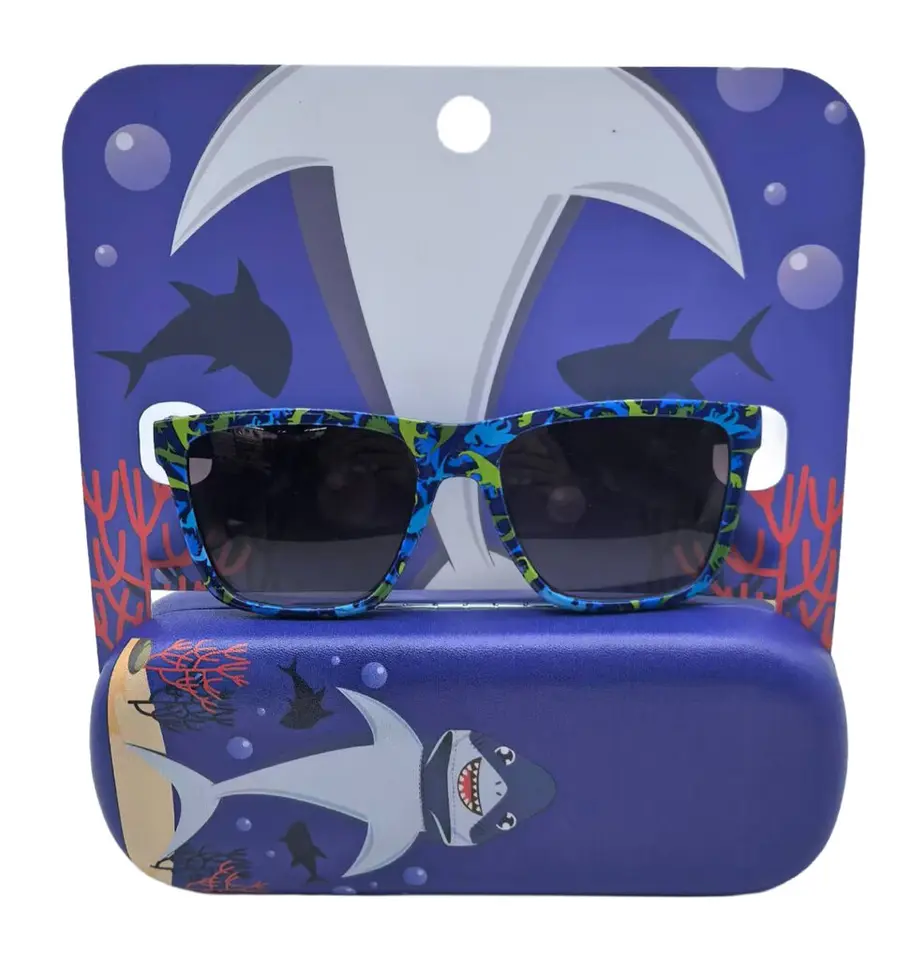
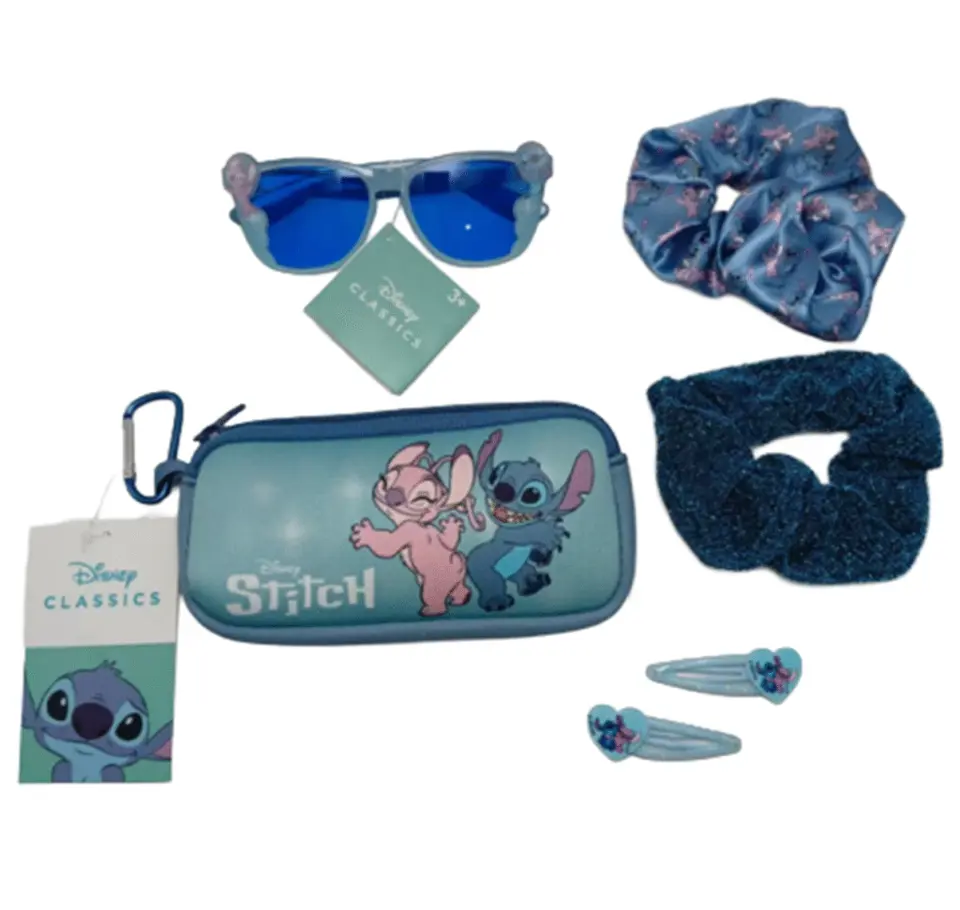
Locate the previous purchase order, final specification and approved sample reference. Include the actual frame code and each packaging or accessory code. For a gift set, a single product name may hide several component choices. For reading glasses, retain the power and color allocation as well as the frame reference.
Use current product pages to communicate the model, but keep the order record as the source for the configuration you previously approved. A refreshed catalogue image should not silently replace an agreed detail in the reorder brief.
List Changes Explicitly
Create three columns: item, previous approved version and proposed new version. Write “unchanged” where that is the request, and identify changes to color, artwork, quantity or packaging separately. Ask the supplier to confirm whether the original configuration remains available and whether any substitution is proposed.
An adjustment that looks small in a message can affect several documents. A new logo file may need a revised proof; a new accessory may change the packing list. Keep the revised files together so an older attachment is not used alongside a newer instruction.
Use Feedback Without Guessing Its Cause
Summarize actual customer or receiving-team feedback with the relevant model and order reference. Separate a verified observation from an explanation that has not been established. For example, report where a label was difficult to read and provide a photograph, rather than assuming the printing method was the cause.
Ask which change is proposed and how it will be reviewed. If the issue concerns product performance or a destination requirement, agree the necessary assessment with the appropriate parties. A reorder should not bypass an unresolved requirement simply because a previous shipment was accepted.
Decide What Needs Another Sample
Ask which requested changes require a new sample or proof. Record whether approval covers the entire configuration or only the changed element. Keep unchanged details tied to the original baseline. The sample approval checklist provides a practical way to record approved, changed and unassessed items.
Do not assume that repeat status guarantees the previous price, minimum quantity or schedule. Request a current quotation against the exact reorder revision, including any altered quantities and delivery requirements.
Release One Consolidated Reorder Brief
- Previous order and approved sample references.
- Requested model, color and any power allocation.
- Component list and current artwork versions.
- A clearly marked list of changes and unchanged items.
- Current quantities, destination and preferred arrival date.
- Outstanding approvals and the person responsible for each decision.
For sets, compare the configuration with the gift set guide. For the price comparison, use the RFQ guide. Send the consolidated reorder brief so the response can confirm one current specification rather than reconstructing decisions from older messages.